
Getting Started#
Langflow is a visual workflow builder for AI-powered agents and pipelines. On DKubeX, it comes pre-configured with platform authentication, a built-in deployment system, and DKubeX-native LLM and Embedding components backed by SecureLLM.
Prerequisites#
Access to a DKubeX environment with Langflow enabled.
A modern browser (Chrome, Firefox, Safari, or Edge).
Launching Langflow#
Click the Langflow tile in your DKubeX dashboard.
You are automatically logged in via DKubeX SSO — no separate Langflow credentials are needed.
The Langflow canvas loads with the DKubeX header pinned to the top.
The DKubeX Header#
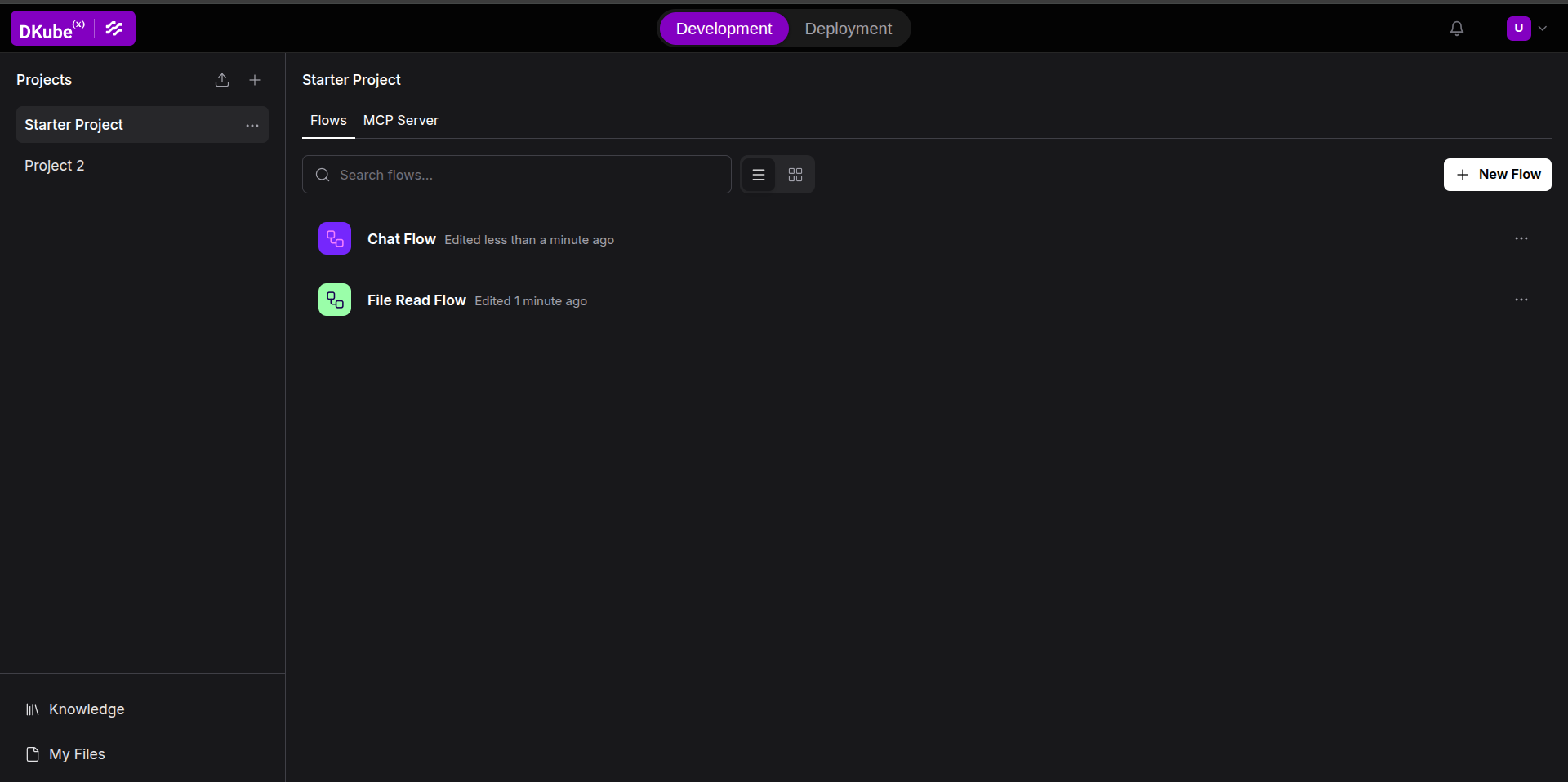
The header at the top of every page provides:
DKubeX logo — links back to the platform dashboard.
Development / Deployment tab switcher — switch between developing flows and managing deployed workflows.
Flow breadcrumb — shown when editing a flow; displays the folder and flow name with an edit shortcut.
Notifications button
Creating Your First Flow#
Click New Flow from the projects list.
Choose a blank canvas or a starter template.
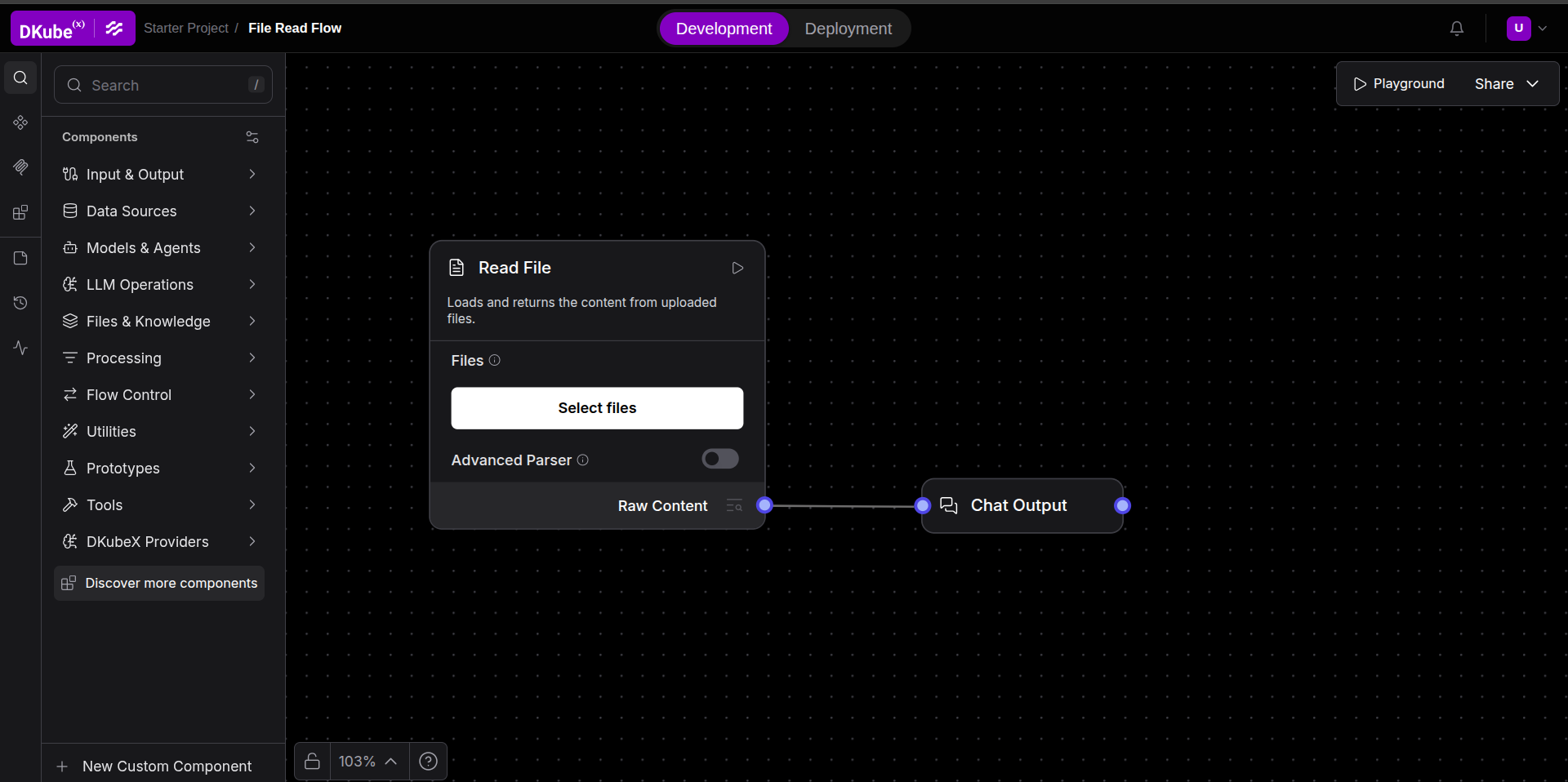
Drag components from the left sidebar onto the canvas.
Connect component outputs to inputs by dragging between the colored ports.
Click the Play button on any component to run the flow up to that point.
For workflows involving chat components, you can click on the Playground button on the top left corner of the canvas to test the workflow by providing inputs and/or receiving the flow output.
Using DKubeX LLM and Embedding Components#
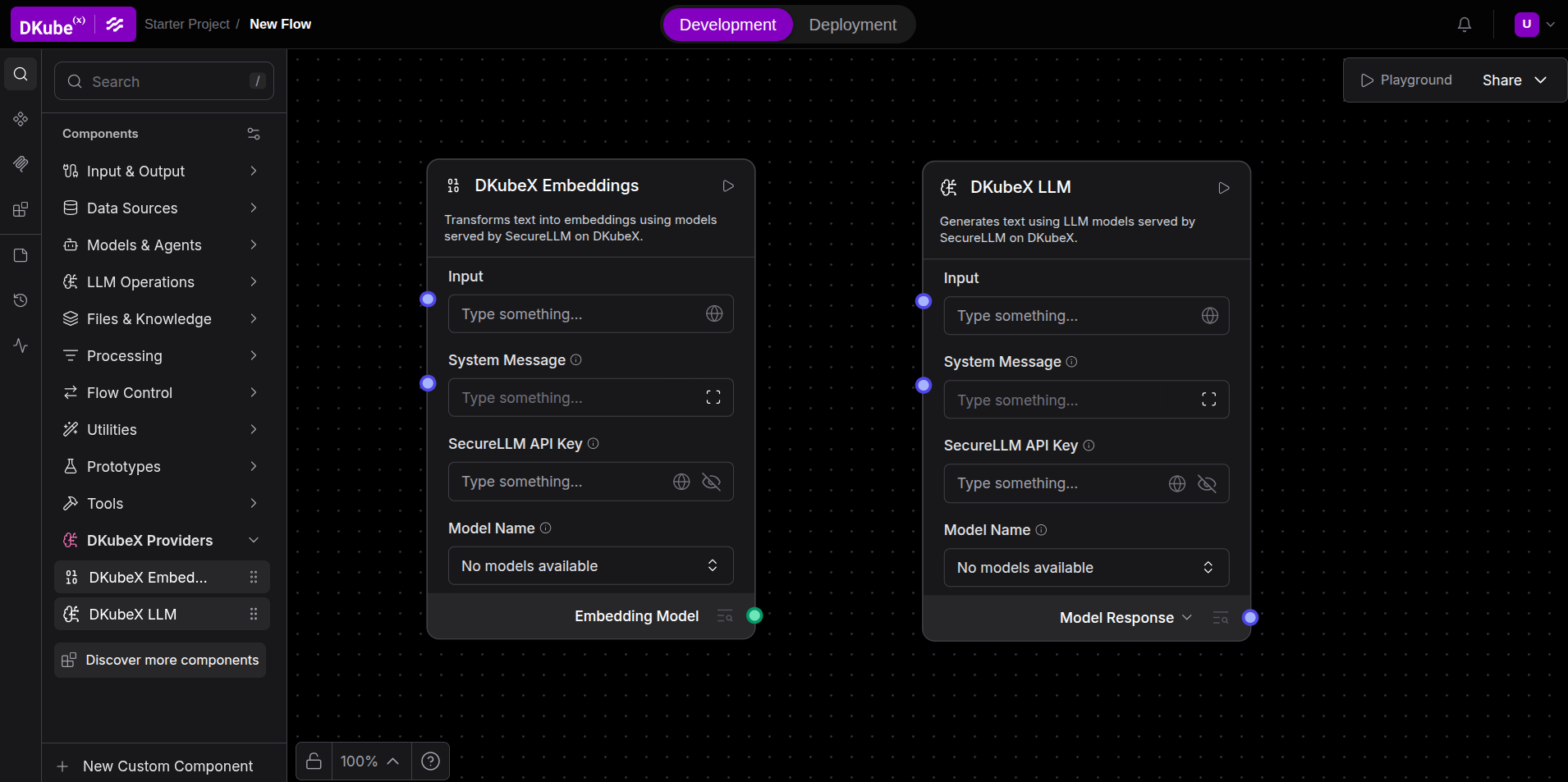
DKubeX includes built-in components that connect to the cluster-local SecureLLM service without requiring an external API key:
In the left sidebar, open the DKubeX Providers category.
Drop DKubeX LLM or DKubeX Embeddings onto the canvas.
Enter your SecureLLM API Key in the component’s side panel.
Click on Model Name and then click Refresh list to load the available models.
Select a model and wire the component into your flow.
Contact your cluster administrator if you do not have a SecureLLM API key.
Next Steps#
Browse the full component catalog.
When ready, deploy your flow as a standalone API endpoint.